 Lookpix
Swipe Cleanup · 200 free swipes, unlimited with Pro
Clear a whole month in a minute.
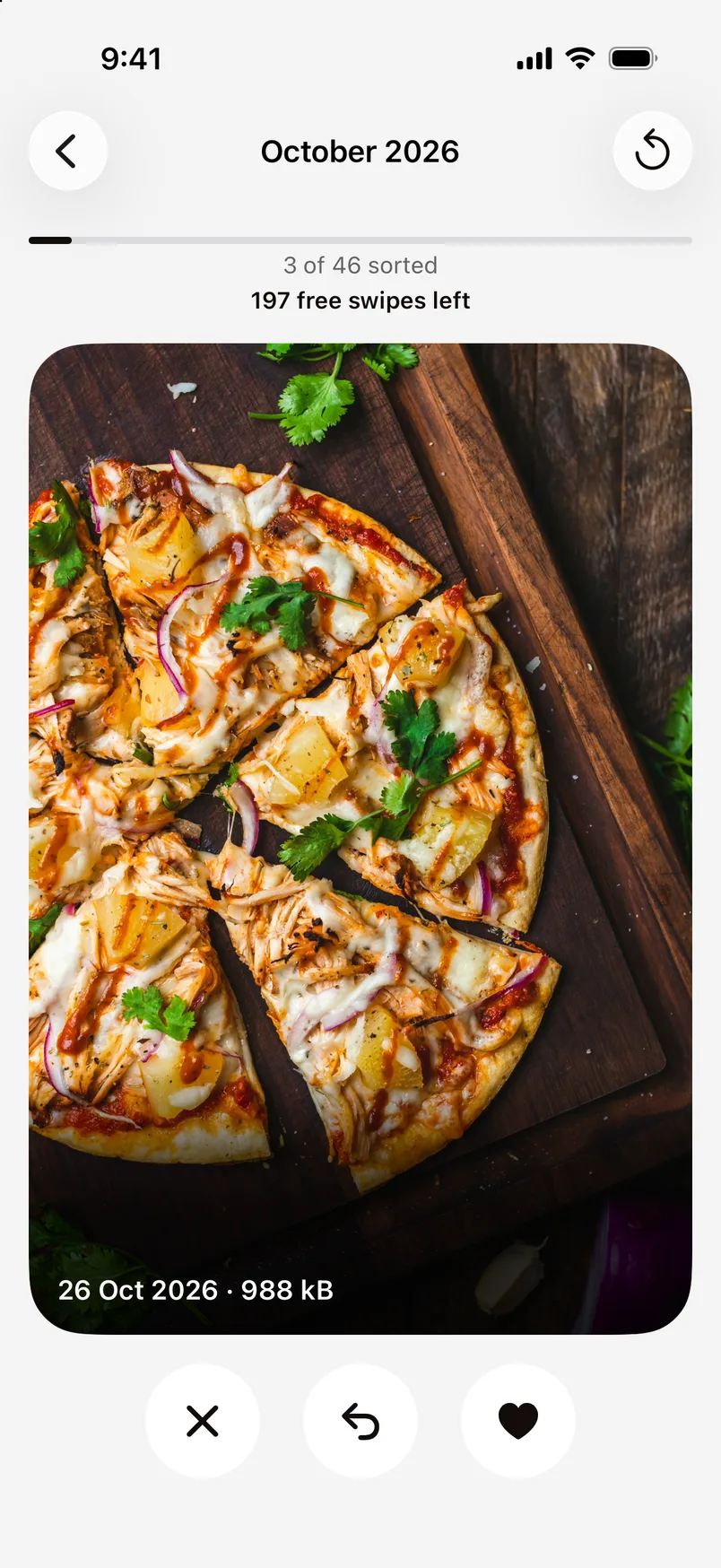
Go through your library a month at a time. Swipe left to delete, right to keep. Your progress is saved, and nothing is deleted until you review.
- 200 free swipes to start
- Undo any swipe
- Deleted photos wait in Recently Deleted for 30 days
How it works.
- 1
Pick a month
Each month shows how many photos are left to sort.
- 2
Swipe
Left to delete, right to keep. Made a mistake? Undo.
- 3
Review and delete
See everything you swiped away, and its size, before anything is removed.
Why a month at a time
A whole library is too much to face. A month is a few minutes, and Lookpix remembers where you stopped, so you can come back to it.
Questions about Swipe Cleanup.
200, for good. Reinstalling Lookpix doesn't reset them. Lookpix Pro makes them unlimited.
Yes. Deleted photos go to Recently Deleted in the Photos app for 30 days.
Go deeper.
More features.
- FreePlain-English searchType what you remember about a photo or file, and Lookpix turns it into filters you can see and change: what's in it, when it was taken, how big it is and where it lives.Learn more
- FreeText in photosLookpix reads every screenshot, bill, ticket and note right on your iPhone, with Apple's Vision framework. Search for any word you remember, then copy it.Learn more
- FreeSmart LibraryFood, Pets, Travel, Receipts, Selfies and more, built on their own and kept up to date as you take new photos. No albums to make, no tags to add.Learn more
Stop scrolling. Start finding.
Search, sort and clean up everything on your iPhone. Free to start, and nothing leaves your phone.
Free to download · iOS 26 · iPhone